


My Course Materials Overview

Mar 24, 2026
 539
539
About My Course Materials
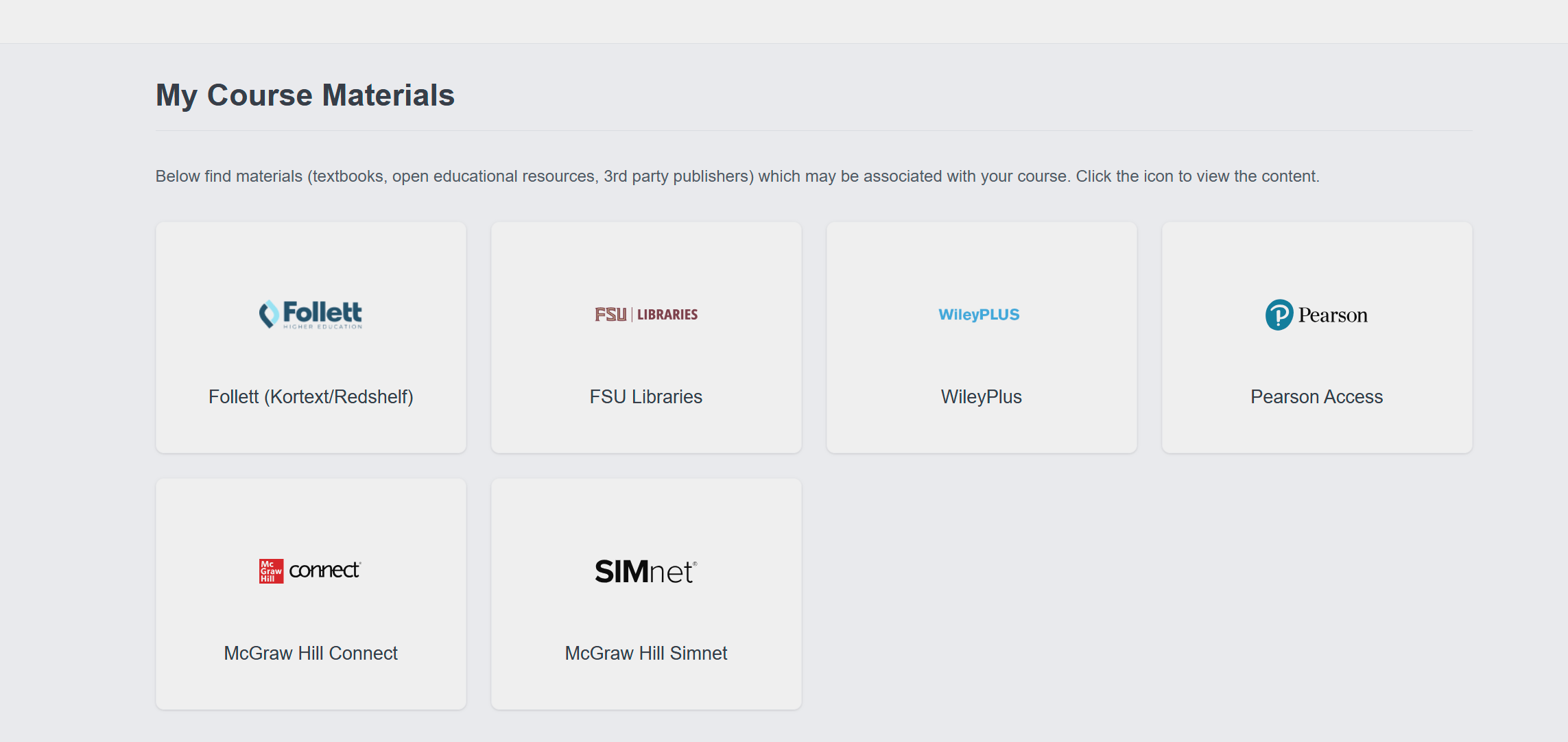
My Course Materials is a centralized redirect tool for online textbooks and e-resources in Canvas. It houses links for the following resources:
- Follet (Kortext/Redshelf)
- This is your portal for ebooks purchased through Kortext, Redshelf, or the FSU bookstore.
- FSU Libraries
- WileyPlus
- Pearson Access
- McGraw Hill Connect
- McGraw Hill Simnet
How to Enable My Course Materials
It can be found in your Course navigation by going to:
- Course Settings
- Navigation
- Scroll down and find My Course Materials.
- Select the three-dot option button and select Enable.
- Select Save at the bottom of the page.











